Tesla Autopilot remains one of the most talked-about driver-assistance technologies in the car industry. What makes it interesting is that the system continues to evolve through software updates, while Tesla also offers more advanced features under the Full Self-Driving (Supervised) name.
But there is an important point that every Tesla owner should understand: Autopilot is not a fully autonomous driving system. Tesla describes it as an advanced driver-assistance system designed to reduce the driver’s workload, while the driver remains responsible for the vehicle.
So, what does Tesla Autopilot actually offer in 2026? Which Tesla models support it, how is it different from FSD, and what should owners know before using it?
Let’s break it down.
Tesla Autopilot 2026: Quick Overview
| Feature | Details |
|---|---|
| Technology | Advanced Driver Assistance System |
| Main Functions | Traffic-Aware Cruise Control and Autosteer |
| Compatible Tesla Models | Model 3, Model Y, Model S and Model X, subject to configuration and market |
| Driver Required | Yes |
| Steering Assistance | Yes |
| Speed & Following Distance | Yes |
| Fully Autonomous Driving | No |
| Software Updates | Over-the-air |
| Advanced Option | Full Self-Driving (Supervised), where available |
Tesla’s official support information currently lists Autopilot for the Model S, Model 3, Model X and Model Y families, although exact availability can vary by vehicle configuration and region.
What Is Tesla Autopilot?
Tesla Autopilot is a group of driver-assistance features designed to help with some of the repetitive parts of driving.
The system can assist with maintaining speed, adjusting following distance and steering within a clearly detected lane.
That can make highway driving feel more relaxed, particularly during long journeys.
However, the technology does not remove the need for an attentive driver.
Tesla itself warns that drivers must remain alert and in control while using these systems.
The Two Main Autopilot Features
1. Traffic-Aware Cruise Control
Traffic-Aware Cruise Control, commonly called TACC, works similarly to traditional cruise control but can also adjust the vehicle’s speed according to traffic ahead.
If another vehicle slows down in front of your Tesla, the system can reduce speed to maintain the selected following distance.
When the road ahead becomes clear, the vehicle can accelerate again toward the selected cruising speed.
This is particularly useful on highways where traffic speed changes frequently.
But TACC should not be treated as an automatic collision-avoidance system. Tesla specifically tells drivers to remain attentive and ready to take corrective action.
2. Autosteer
Autosteer adds steering assistance to the driving experience.
Tesla says Autosteer can detect lane markings, road edges and vehicles or objects around the vehicle to help keep the car within its driving lane.
In simple terms, TACC mainly helps with speed and following distance, while Autosteer adds steering assistance.
Together, these features can reduce some of the workload involved in highway driving.
Which Tesla Models Can Use Autopilot in 2026?
Tesla’s current support documentation covers the major passenger-car families, including:
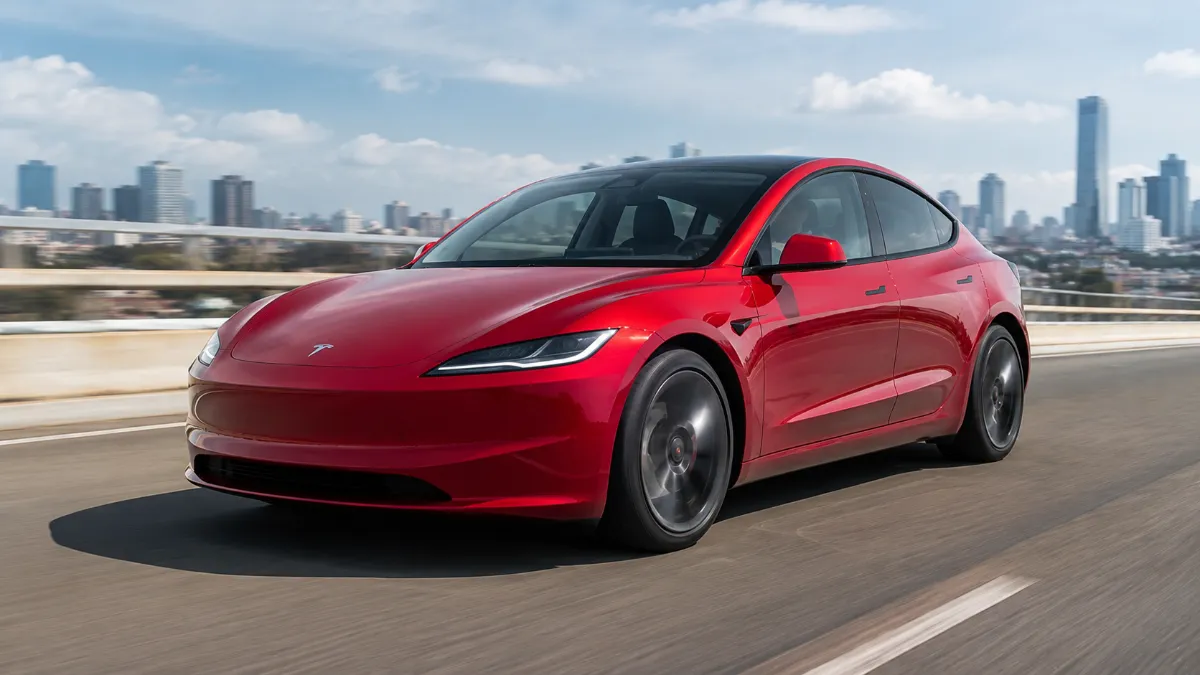
Tesla Model 3
The Model 3 is one of Tesla’s most widely used vehicles and supports Tesla’s driver-assistance technology depending on its configuration and market.
Tesla’s current Model 3 documentation also covers Autosteer, Traffic-Aware Cruise Control and more advanced self-driving functions.
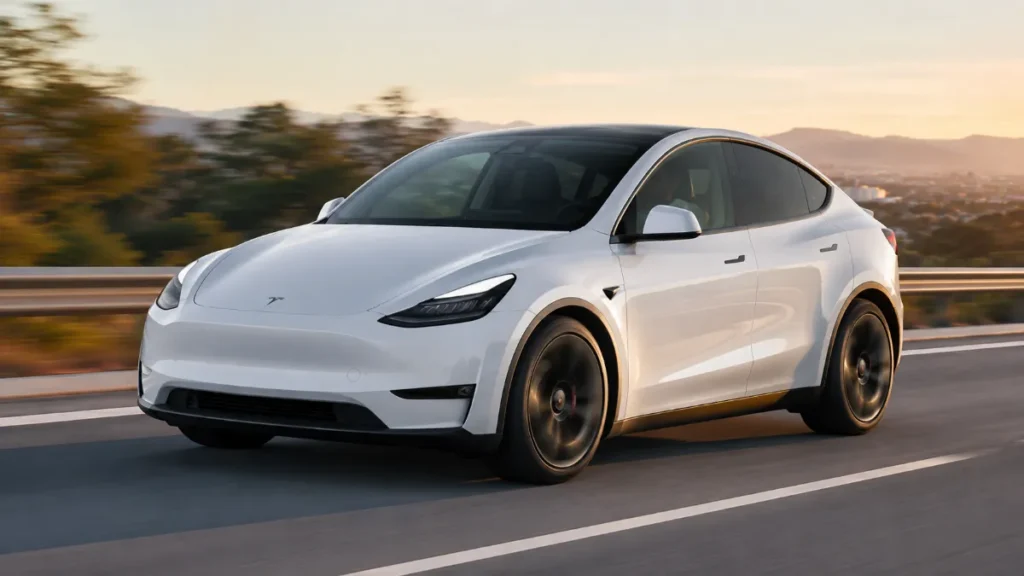
Tesla Model Y
The Model Y also supports Tesla’s driver-assistance features. Its owner’s manual explains how Autosteer and Traffic-Aware Cruise Control work together.
Tesla Model S
Model S is also included in Tesla’s Autopilot support documentation.
Tesla Model X
Model X is likewise covered by Tesla’s Autopilot documentation.
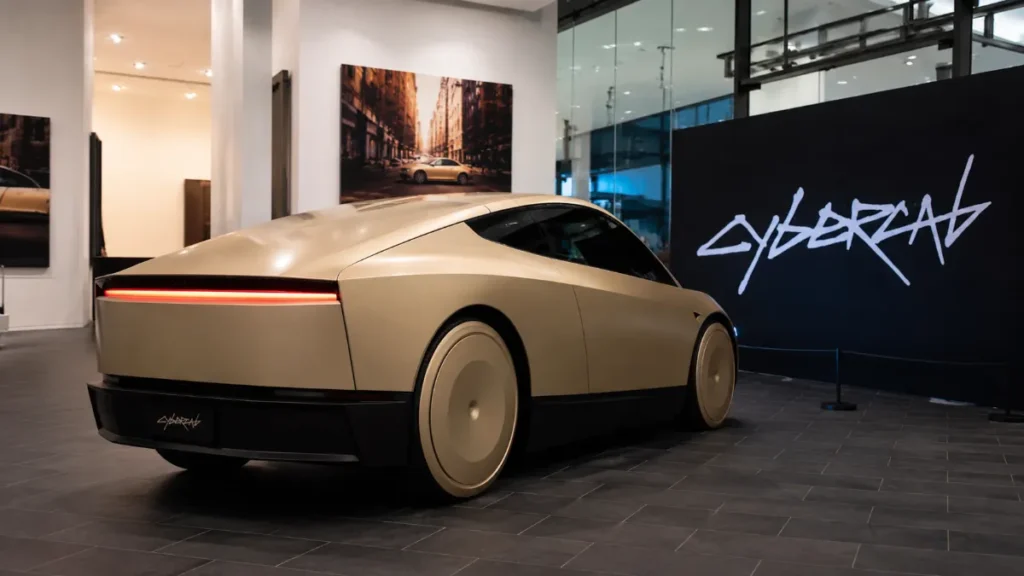
Cybertruck
The Cybertruck is part of Tesla’s broader self-driving software ecosystem, although feature availability can differ from other Tesla vehicles depending on hardware, software and region.
Tesla’s current FSD documentation includes Cybertruck among vehicles receiving the latest FSD Supervised software updates.
Important: The exact features available on a particular Tesla should always be checked through the vehicle’s touchscreen, Tesla app and current owner’s documentation.
Tesla Autopilot vs Full Self-Driving (Supervised)
This is where many buyers and owners become confused.
Autopilot and Full Self-Driving (Supervised) are not the same thing.
Autopilot focuses primarily on basic driver assistance such as:
- Traffic-Aware Cruise Control
- Autosteer
Full Self-Driving (Supervised) offers a much broader set of driving functions when available.
Tesla says FSD (Supervised) can perform tasks such as:
- Lane changes
- Following navigation routes
- Taking road forks
- Making left and right turns
- Navigating around other vehicles and objects
- Handling certain intersections
- Navigating toward a destination
However, Tesla clearly states that these features do not make the vehicle fully autonomous and do not replace the driver.
What Has Changed With Tesla’s Driving Technology?
One of the biggest differences in the Tesla experience is that the vehicle’s capabilities can evolve through software.
Tesla continues to distribute software updates over the air, meaning owners can receive improvements without necessarily visiting a service center.
For example, Tesla’s current FSD documentation describes newer software versions being sent automatically to eligible Model S, Model 3, Model X, Model Y and Cybertruck vehicles.
This approach means the driving experience can change over time.
A Tesla purchased several years ago may not behave exactly like it did when it was first delivered.
Does Every Tesla Have the Same Autopilot Features?
No.
This is an important detail.
Two Tesla vehicles that look almost identical may have different available features depending on:
- Model year
- Hardware
- Software version
- Region
- Vehicle configuration
- Purchased options
- Regulatory requirements
Tesla also offers different software packages and upgrades depending on eligibility.
So, instead of assuming that every Tesla has exactly the same capabilities, owners should check the specific vehicle’s configuration.
Tesla Vision and Cameras
Modern Tesla driving-assistance functions rely heavily on cameras and onboard computing.
Tesla’s documentation for FSD (Supervised) explains that cameras around the vehicle provide information that the system uses to build a representation of its surroundings.
This makes camera condition important.
Owners should regularly make sure that camera areas and the windshield are clean and unobstructed.
Poor visibility, dirty camera areas, weather and unusual road conditions can affect how driver-assistance features operate.
What Autopilot Can Do
When conditions are appropriate, Autopilot can make some everyday driving tasks easier.
It can help with:
- Maintaining a cruising speed
- Adjusting speed for traffic
- Maintaining a selected following distance
- Providing steering assistance
- Keeping the vehicle within a detected lane
- Reducing repetitive highway-driving workload
Tesla describes Autopilot as a system intended to enhance safety and convenience while reducing overall driver workload.
What Autopilot Cannot Do
This is the part every Tesla owner should remember.
Autopilot cannot guarantee that the vehicle will correctly handle every road situation.
It should not be treated as a system that allows you to:
- Sleep while driving
- Leave the driver’s seat
- Use your phone without distraction
- Stop watching the road
- Ignore traffic signals
- Assume every obstacle will be detected
- Expect the car to make every driving decision correctly
Tesla’s own documentation repeatedly emphasizes that the driver must remain attentive and ready to take control.
Why Driver Attention Still Matters
Even when the steering wheel is turning and the vehicle is adjusting speed automatically, the driver remains an important part of the system.
A road can change unexpectedly.
For example:
- A vehicle may suddenly change lanes.
- Lane markings may disappear.
- Construction may change the road layout.
- A pedestrian may enter the road.
- A traffic signal may be difficult to interpret.
- Weather can reduce visibility.
- An unusual obstacle may appear.
The driver needs to recognize these situations and respond.
Tesla’s FSD documentation also warns that the system may occasionally fail to slow or stop appropriately and says drivers must be prepared to intervene.
Autopilot in Bad Weather
Weather remains an important consideration for any camera-based driving system.
Heavy rain, snow, fog, glare or dirty cameras can make road interpretation more difficult.
Drivers should be particularly careful when:
- Lane markings are faded
- Visibility is poor
- Roads are covered with water
- Snow covers road markings
- Sun glare is strong
- Cameras or windshield areas are dirty
If the system becomes unavailable or behaves unexpectedly, the driver should take control.
Is Tesla Autopilot Good for Highway Driving?
For many drivers, this is where Autopilot can be most useful.
Long highway journeys involve a lot of repetitive steering and speed control. Traffic-Aware Cruise Control and Autosteer can reduce some of that workload.
But the convenience should not turn into overconfidence.
A driver still needs to monitor:
- Traffic
- Road conditions
- Lane markings
- Speed
- Surrounding vehicles
- System warnings
The goal should be less workload, not less attention.
Tesla Autopilot Safety Features
Tesla vehicles also come with active safety features that operate separately from the basic Autopilot functions.
Tesla says active safety features are designed to help prevent or mitigate accidents and are standard on Tesla vehicles made after September 2014.
Depending on the vehicle and configuration, safety technology can include functions such as:
- Collision Avoidance Assist
- Lane Assist
- Speed Assist
- Automatic Emergency Braking
- Traffic-Aware Cruise Control
- Driver monitoring-related functions
The exact availability and operation can vary between vehicles.
Automatic Emergency Braking Is Not a Guarantee
Automatic Emergency Braking can provide another layer of assistance when a potential collision is detected.
But drivers should not intentionally depend on it.
Tesla documentation makes clear that active safety systems cannot respond in every situation.
Good driving habits remain the first line of defense.
How Tesla Software Updates Affect Autopilot
One interesting part of owning a Tesla is the company’s software-focused approach.
Updates can be delivered remotely, allowing Tesla to modify or improve vehicle software without requiring every change to be performed manually at a service center.
This can include improvements to driver-assistance behavior, interface changes and other vehicle functions.
However, an update should never be interpreted as a guarantee that the vehicle will handle every situation perfectly.
Should You Buy Tesla Autopilot or FSD?
That depends on how you drive.
If your main goal is reducing fatigue during highway driving, the standard Autopilot features may already provide useful assistance.
If you want a broader set of supervised driving capabilities, FSD (Supervised) is the more advanced option where it is available and supported.
Before paying for additional features, it makes sense to check:
- Your Tesla’s hardware
- Current software version
- Feature availability in your region
- Current Tesla pricing
- Subscription or purchase options
- Whether the features are useful for your normal driving
Tesla currently offers FSD (Supervised) through supported purchase/subscription arrangements in eligible markets.
Final Verdict
Tesla Autopilot in 2026 is more than traditional cruise control, but it is still not a replacement for the driver.
Its biggest advantage is the ability to handle some repetitive driving tasks, particularly speed control, following distance and steering assistance.
The more advanced Full Self-Driving (Supervised) system goes considerably further, with Tesla describing capabilities such as navigation-based driving, lane changes and turns. But even these features require an attentive human driver.
For anyone considering a Tesla, the most important thing is not simply asking, “Can the car drive itself?”
The better question is:
“What can my specific Tesla safely assist me with, and what responsibilities remain mine?”
Understanding that difference is the key to getting the most out of Tesla’s technology without overestimating what it can do.
Important Note
Tesla features, availability and operating behavior can change through software updates and may differ by model, hardware, market and local regulations. Always check the latest Tesla owner’s manual and in-vehicle information before using any driver-assistance feature.